 usharik.dev
Phaser Print
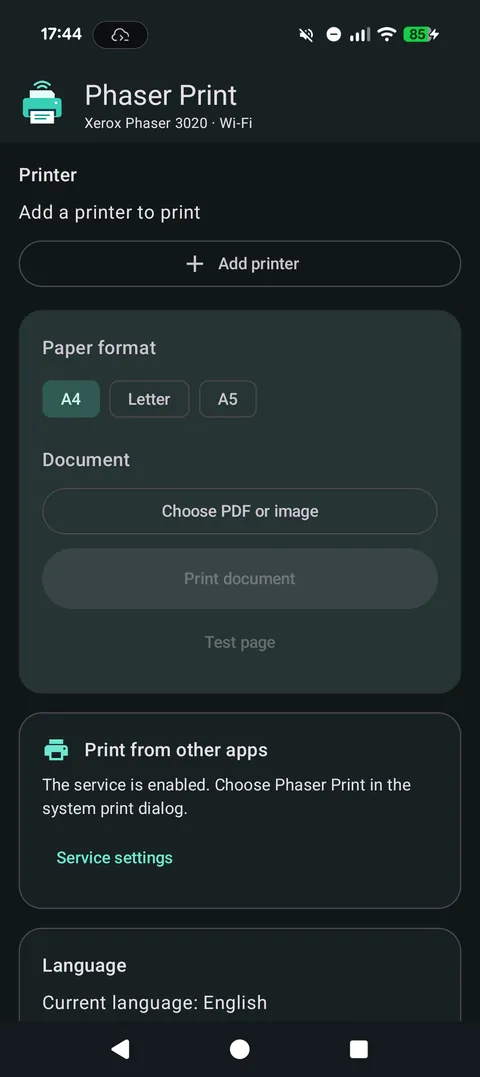
Print from an Android phone to a Xerox Phaser 3020 over Wi-Fi: from the app itself or from any app's Print menu.
Screenshots
Printing
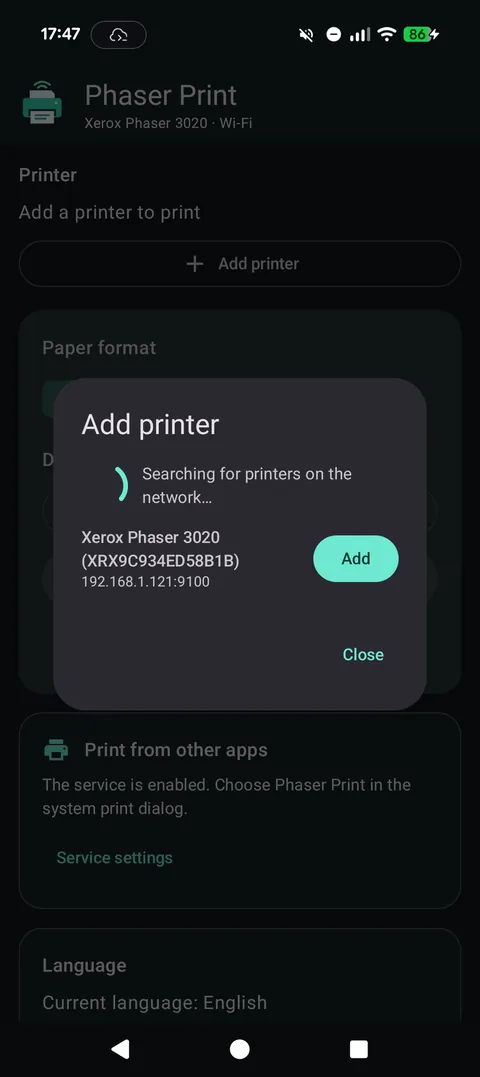
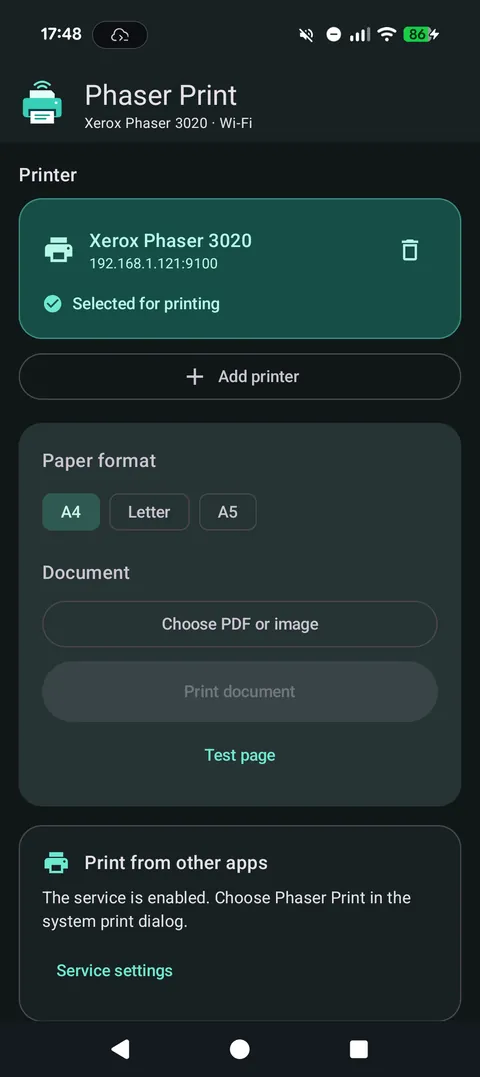
- Finds the printer on your Wi-Fi network and remembers it.
- A system print service: choose the printer in the Print menu of any Android app.
- In the app: PDF, images and plain text files; pages such as 1,3-5; A4, A5 and Letter.
- 1, 2 or 4 pages per sheet; black and white, one-sided.
Posters and preview
- Poster 2×2, 3×3 or 4×4: a page enlarged over several sheets, with overlap, crop marks and sheet labels for gluing.
- A preview of every sheet, drawn by the same code that prints.
- Raster modes for text and for photos, and a contrast control.
Good to know
- Unofficial app, tested on the Phaser 3020; other Phaser models are not confirmed. Not affiliated with Xerox.
- Documents are processed on the phone and sent only to your printer.
At a glance
- Price
- Free, with a banner ad. Crash reports and anonymous usage statistics go to Firebase; document contents and names do not.
- Languages
- English, Czech, French, German, Russian, Spanish